Bomomo.com
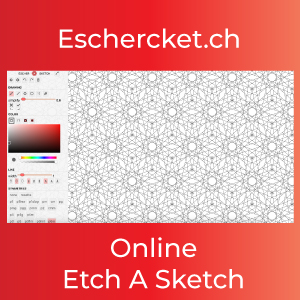
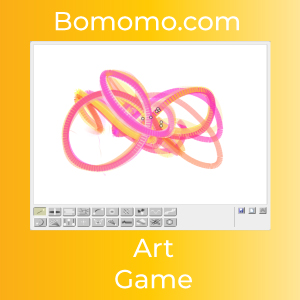
Bomomo.com is a simple online art game where students create colorful abstract drawings by moving the mouse or finger across the canvas. The tool feels part drawing app, part visual experiment: each movement produces shifting shapes, lines, and patterns, so students can make something surprising without needing advanced art skills.
Why Bomomo works in the classroom
Bomomo is useful when you want a quick creative warm-up, a calm early-finisher option, or a playful digital art station. Students can explore pattern, movement, color, balance, and composition in a low-pressure way. Because the results change as they draw, it also gives students a chance to talk about experimentation, choice, and happy accidents in art.
Quick student directions
- Open Bomomo.com.
- Move around the canvas and watch how the drawing tool changes.
- Use the new button when you want to start over.
- Use the save option if you want to keep the finished artwork.
- Give the piece a title and explain one choice you made while creating it.
Easy lesson ideas for Bomomo art
Try using Bomomo for a five-minute creativity sprint, a symmetry and pattern discussion, a mood-color challenge, or a writing prompt where students describe the artwork they made. It can also pair well with other creative classroom sites like ThisIsSand and Inspiral Web when students are comparing different ways digital tools create visual patterns.
Best classroom fit: art warm-ups, creative breaks, early finishers, choice boards, digital art stations, and quick activities where students need a playful way to make something original.

Get updates on the latest at GamifiedClassroom.com